
Switzerland County VINELink Coverage
The Switzerland County Sheriff's Office partners with APPRISS to run Indiana VINE locally. Its V.I.N.E. Information page calls the service free and confidential. Access works three ways: phone, internet, or email. Live operators answer calls. Automated notices can cover release, transfer, or escape. Still, VINE is not an arrest archive. It tracks custody status and sends alerts. That local statement beats a bare portal link because it proves the county participates. A person arrested but never booked, already released, moved to another system, or not yet synced may not show up as expected. The official SCSO VINE page spells out the APPRISS partnership, the contact methods, and the alert events.
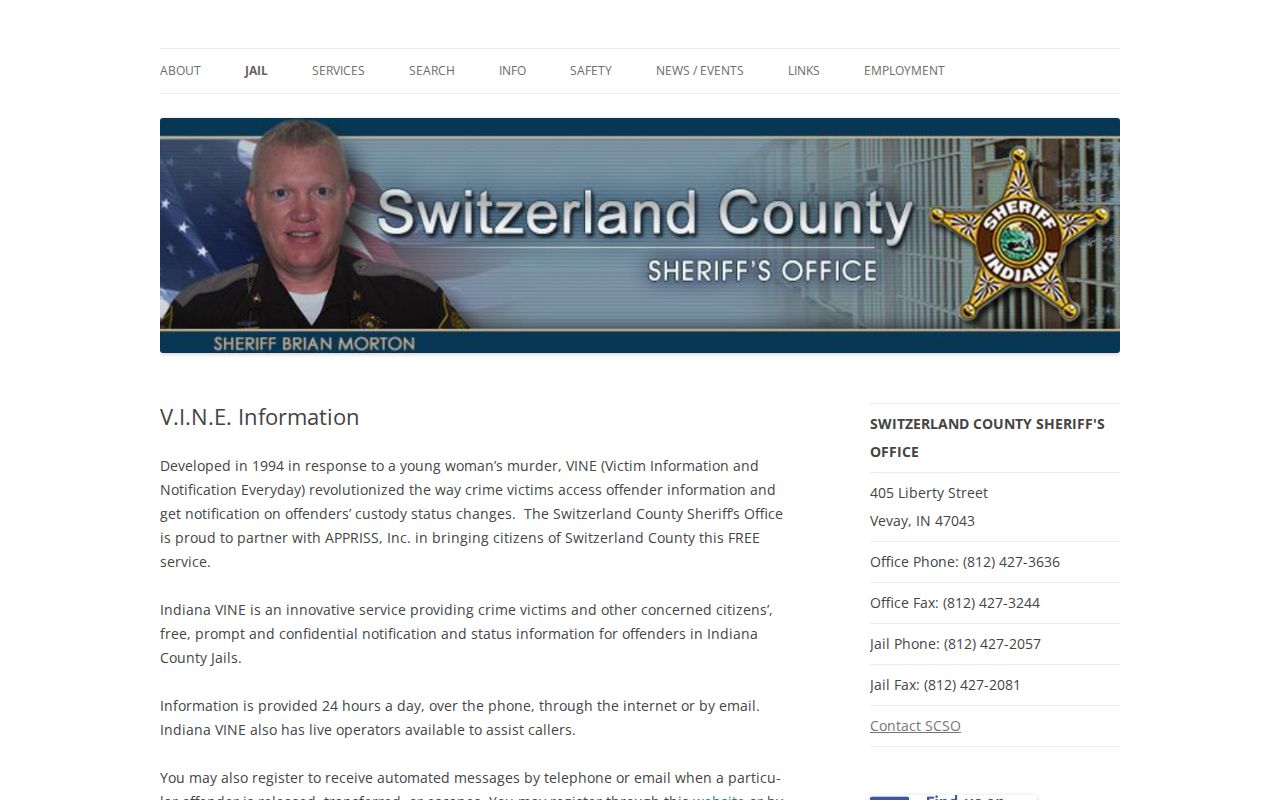
After any Switzerland County booking, the county page anchors VINE.
Search Switzerland County VINELink
Search inside the rendered app. JavaScript drives the VINELink interface. Field layouts can change, SCSO publishes no county ID format, and the live form beats any old screenshot.
- Open VINELink and choose Indiana. The Indiana site route may open directly when available.
- Select the person or offender search offered by the live interface.
- Enter the full name or identifier requested. Try accurate spelling variants if no result appears.
- When several people match, compare date of birth or age and the county or facility context shown.
- Open only the record that matches. Note the displayed status, facility, and status date before registering.
- If the person cannot be distinguished, call the Switzerland County Jail at 812-427-2057.
Photos alone are a weak identity match, since VINE is not a booking-photo gallery and SCSO posts no public roster photo policy. Use names and identifiers instead. The county arrest record guide covers how records differ. The Indiana VINELink page shows the state and county search route once the application loads.
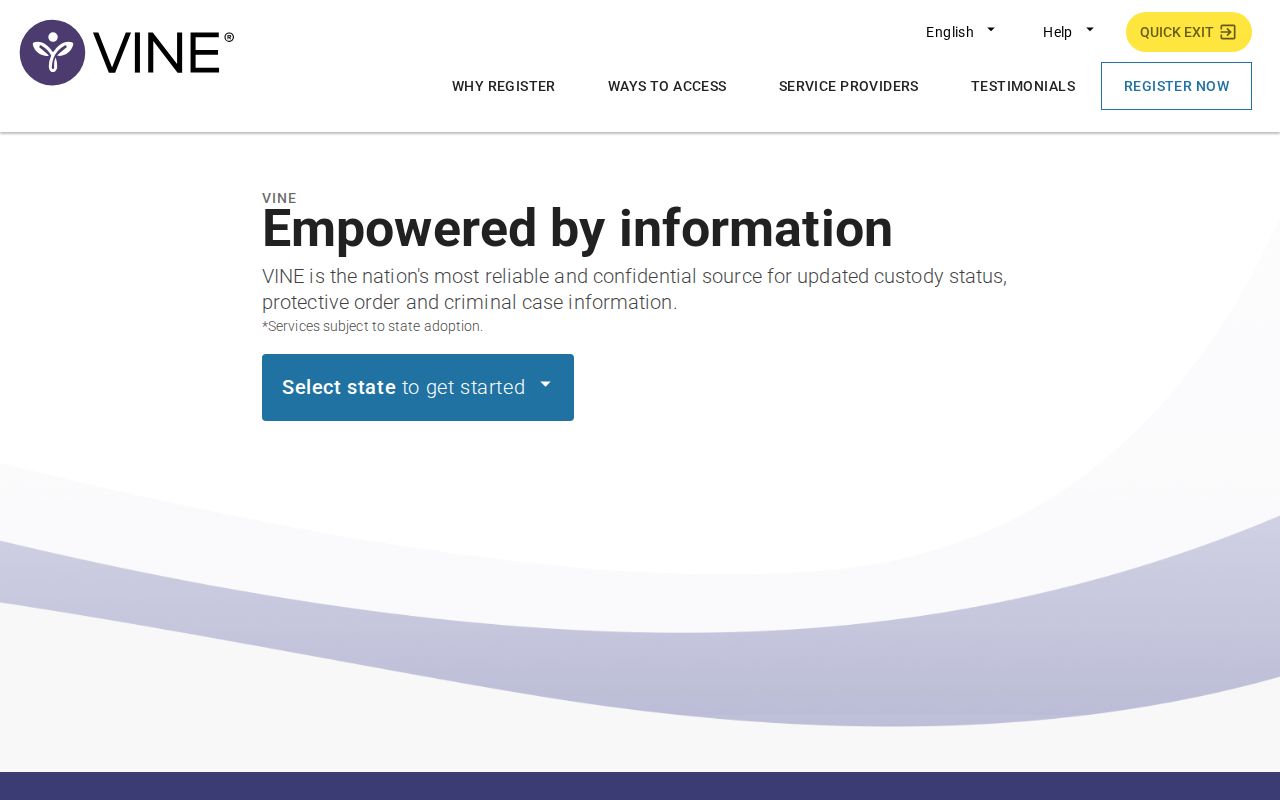
The live form controls what bookings the search shows.
VINELink Inmate Check Results
Read a result as a status snapshot. It comes from one participating system. SCSO publishes no fixed Switzerland County field schema, so the live record controls. Save the status date and facility context instead of expecting every field.
| Result detail | Meaning and limit |
|---|---|
| Displayed name | Identity lead that must be checked when names are alike. |
| Custody status | The status supplied to VINE, not a full booking history. |
| Facility | The location or system shown at that time. |
| Status date | A displayed update reference, not necessarily arrest time. |
| Identifier | Use the value shown by the interface; no local format is promised. |
| Alert options | Available registration paths for the selected record. |
| Release or transfer event | A custody change, not the final outcome of a criminal charge. |
A booking number, charge, bond, or court outcome lives in other records. Request the booking record from SCSO. Verify public court action through Indiana MyCase.
Register for Switzerland Custody Alerts
Register only after selecting the right person. SCSO documents telephone and email messages for release, transfer, or escape alerts. Labels in the interface may change. Use only the options displayed, since the sheriff calls the service free and confidential.
- Open the matching person’s VINELink record.
- Choose the live registration or notification control.
- Select the phone or email method that is offered.
- Enter contact details carefully and complete any confirmation step.
- For phone alerts, create and save the personal identification number requested by the system.
- Update or replace the registration if contact information changes.
Confirm automated calls with your PIN. Keep it private. Never post it publicly. Alerts provide notice, not a personal safety guarantee or exact timing. When a notice signals urgent danger, follow the guidance that arrives with it and contact the right emergency service. The VINELink registration page shows the sign-up workflow tied to the county program.
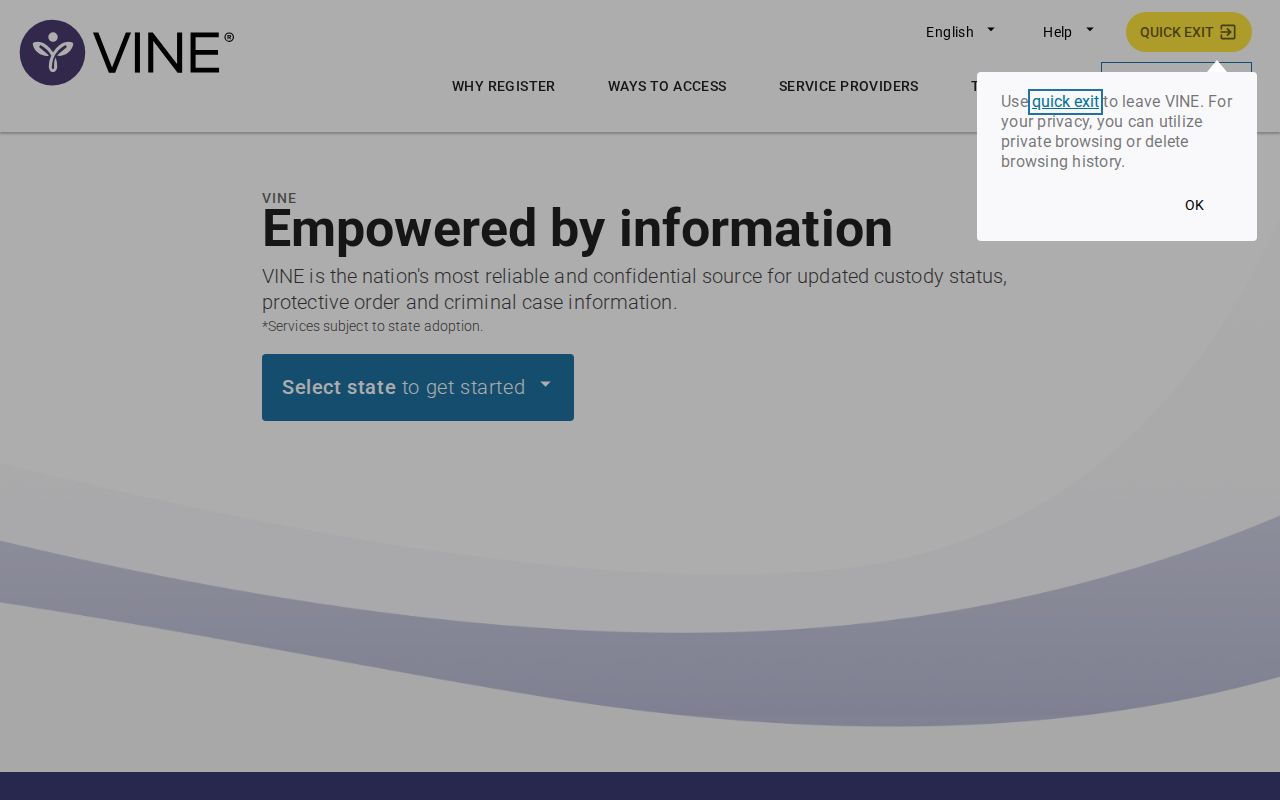
The current screen should always be followed because contact and confirmation controls can change.
VINELink Limits and Verification
Fresh booking data can lag. Switzerland County publishes no sync schedule. A failed search does not mean no booking occurred. For a very recent arrest, confirm with the jail and use the Daily Arrest Report process. Ask whether the person is in current local custody, and note when the answer came. VINE also cannot replace MyCase. A custody event shows where someone is held or that a status changed, nothing more. It will not reveal a charge change, a dismissal, or what a court decided.
Federal prison custody belongs to the Bureau of Prisons locator. Immigration custody goes to ICE's Online Detainee Locator. A county arrest followed by transfer can touch more than one system. No federal result erases the Switzerland County record.
Switzerland VINE Live Assistance
SCSO lists 1-866-959-VINE, written also as 1-866-959-8463. Live operators answer. That gives Switzerland County residents a second route when the web app is hard to use or a match needs care. Have the full name ready. Add any known identity detail. Share only what the operator requests. Phone access does not make VINE the jail's records office, so for a certified booking record contact SCSO. For immediate status call the jail line, and for outcomes use MyCase or the Circuit Court Clerk.
Indiana VINE and SAVIN
Indiana SAVIN is a statewide victim-notification service tied to state corrections. The local program goes by a different name. The Switzerland County Sheriff's Office labels its county service Indiana VINE. It posts the VINE phone line and VINELink web address. Don't mistake SAVIN for a separate Switzerland County roster. It isn't one.
A transfer to the Indiana Department of Correction switches the custody system involved. From that point the IDOC Incarcerated Locator is the tool that tracks the person. State prison custody sits outside the county jail. After a transfer, it helps to check the new state record. It also pays to confirm any notification registration is still active.
A notification is not a records request. An alert simply tells a registered user that a custody event happened. It won't carry the full intake file, the incident report, the bond paperwork, or a court order. For county booking material, ask SCSO. For the incident record, go to whichever agency made the arrest. If Vevay Police made the arrest, the city may hold the incident report. SCSO keeps the jail intake record.
Match the registration to the right person. Similar names can return several results, and a transfer can change the facility. Before acting on a notice, recheck the identity details VINELink displays. Something look off? Call the live operator or the county jail instead of picking the closest match. Write down the time and source of any verbal confirmation.
Last, an alert says nothing about a court result. Release can follow bond, a completed sentence, a transfer, or a court order. The public docket is where filed charges get tracked through their disposition.